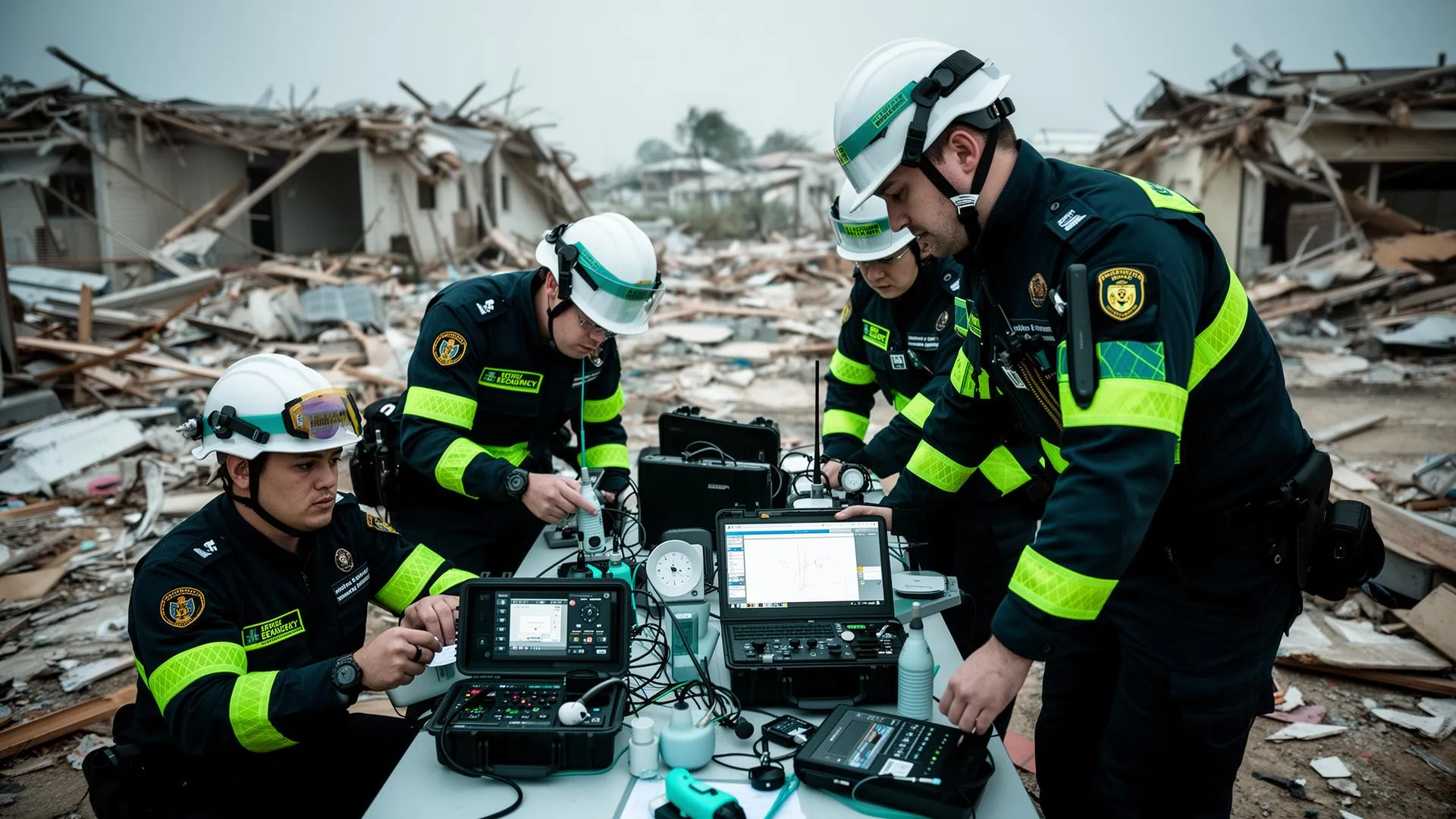
When a crisis hits, whether it is a flood, an earthquake or sudden displacement, every hour counts. Aid workers on the ground need tools that work fast and keep working when the internet does not. Too many teams still scramble with outdated phones, paper forms and patchy communication when something they could have prepared for months earlier finally happens.
What to Have Ready Before You Need It
SMS broadcast. In low-connectivity areas, SMS still beats apps. Tools like Telerivet or RapidPro send broadcast messages to staff, volunteers or affected communities in seconds, and can collect quick feedback through reply codes. Useful for security alerts, relocation notices, or fast needs assessments from affected households.
Offline data collection. For registration and needs data in the field, offline mobile data collection apps like KoboToolbox and ODK let your team build forms, collect data with no signal, and sync once back online. Pre-load your forms onto tablets before deployment, and keep a backup copy on an SD card or USB in case a device is lost.
Secure real-time communication. Many field staff already use WhatsApp, so the WhatsApp Business API is often the fastest thing to stand up. Auto-replies, labelled conversations and dashboard integration make it useful for tracking verification steps, sending form links, or resolving issues during distributions, without asking staff to learn a new tool under pressure.
Power and rugged devices. None of this helps if it is not charged. High-capacity power banks, solar chargers for longer missions, and rugged tablets that survive water, dust and drops are worth the upfront cost. Pack extra SIM cards and waterproof cases while you are at it.
Offline maps and templates. Download offline maps before you deploy, pre-load your assessment templates, and keep SOPs, contact lists and emergency protocols in local storage. You do not want to be searching for the nearest shelter with no signal.
What Being Ready Actually Looks Like
A team that has tested its kit before the crisis hits looks very different from one improvising on day one. Pre-loaded tablets with assessment forms in the languages your communities actually speak. Solar charging stations that can keep a dozen devices running. An SMS broadcast list that is already built, not assembled from scratch while people are waiting for information. Offline maps showing evacuation routes and distribution points, downloaded before the network goes down.
The organisations that respond fastest are not the ones with the newest technology. They are the ones who built and tested their go kit before they needed it.
Where This Fits With the Rest of Your Systems
Crisis response technology works best when it connects to the systems you already run day to day, not as a separate emergency toolkit nobody has practised with. If your CRM does not already support this, see our guide on choosing the right CRM for NGOs. If you are planning a broader technology uplift before the next crisis rather than just an emergency kit, our digital transformation guide covers where to start.
Build your go kit now, with devices, forms and backup power ready to go. When the time comes, you will not have time to troubleshoot.
Tags
Related Resources
AllyGPT - AI Assistant
Your AI ally for humanitarian work
Monitoring & Evaluation
Turn field data into actionable insights
Keep reading
Official Resources
About the author
Synergaid Team supports humanitarian organisations with practical systems, clear processes and honest advice.