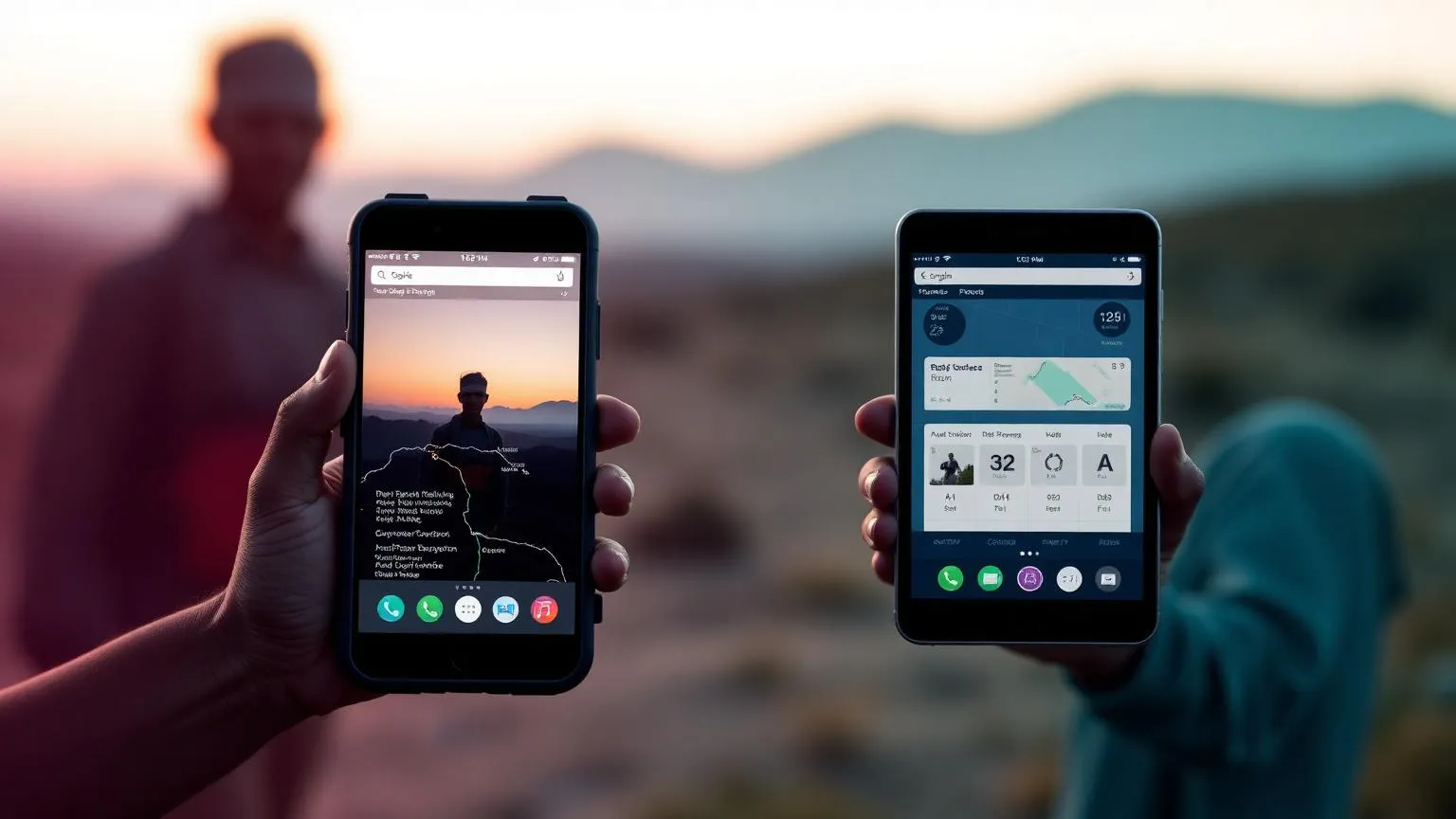
Choosing the right offline data collection app, or data collection system, can make or break a humanitarian field programme. Internet access in remote Australian communities, Pacific island deployments, or post-disaster zones is rarely reliable. Your field teams need software that captures data on the device first and syncs later, without losing a single submission.
This guide compares the three platforms Australian NGOs evaluate most often, KoboToolbox, Open Data Kit (ODK), and Magpi. We focus on the criteria that actually matter in field deployments. These are true offline capability, form complexity, cost, data sovereignty, and the realistic learning curve for non-technical staff.
Pricing last reviewed 23 August 2026. Vendor pricing changes often, so confirm current figures on each provider's site.
Quick comparison at a glance
| Feature | KoboToolbox | ODK | Magpi |
|---|---|---|---|
| Pricing (entry) | Free community plan for nonprofits | Free & open source | Free basic tier; Pro from around USD $5,000/yr |
| Offline data entry | Yes | Yes | Yes |
| Offline form download | Yes | Yes | Limited |
| Hosting | Hosted or self-hosted | Self-hosted (or partner) | SaaS only |
| Form builder | Web GUI + XLSForm | XLSForm (spreadsheet) | Web GUI (drag & drop) |
| Skip logic & validation | Advanced | Advanced | Moderate |
| Media capture (photo/GPS/audio) | Yes | Yes | Yes |
| Data export | CSV, XLS, SPSS, KML | CSV, JSON | CSV, Excel, API |
| Data sovereignty | Self-host option | Full control | Vendor-controlled |
| Learning curve | Low-medium | Medium-high | Low |
1. KoboToolbox, the humanitarian default
KoboToolbox was built by the Harvard Humanitarian Initiative specifically for crisis response, and it remains the most widely adopted tool in the sector. UNHCR, IFRC, MSF, and a long list of Australian NGOs run their monitoring and evaluation on it.
Strengths for AU NGOs
- Free Community Plan for nonprofits and humanitarian organisations, currently 5,000 submissions per month and 1 GB storage, with higher paid tiers available.
- Excellent offline mobile app (KoboCollect on Android). Forms download once, then work for weeks without signal.
- Web-based form builder means programme staff can build surveys without writing code.
- Strong support for multilingual forms, useful for diaspora communities and overseas programmes.
- Can be self-hosted if data sovereignty is a regulatory requirement.
Trade-offs
- The hosted server (OCHA-managed) is in Europe. For sensitive personally identifiable information you may need self-hosting or a private instance.
- Some advanced features require XLSForm syntax.
Best for. Most Australian humanitarian organisations doing needs assessments, beneficiary registration, monitoring surveys, and post-distribution monitoring.
2. Open Data Kit (ODK), maximum flexibility, more technical lift
ODK is the open-source toolkit that KoboToolbox is built on top of. If you self-host, you get total control. Your data never leaves infrastructure you manage, and you can integrate ODK directly with your CRM, Power BI, or a custom data warehouse.
Strengths for AU NGOs
- Complete data sovereignty when self-hosted on Australian infrastructure (AWS Sydney, Azure Australia East).
- Most flexible form logic of the three, including complex calculations, repeating groups, cascading select lists.
- ODK Central provides a modern REST API for pulling submissions into other systems.
- Active open-source community and no vendor lock-in.
Trade-offs
- Self-hosting requires DevOps capacity or a managed-services partner.
- Form authoring uses XLSForm, a spreadsheet-based syntax that is powerful but takes a week or two to learn properly.
- No built-in dashboards; you'll pair it with Power BI, Looker Studio, or similar.
Best for. Larger NGOs with in-house IT capacity, or programmes with strict data residency requirements (clinical research, child protection, GBV case management).
3. Magpi, polished SaaS with a steeper price tag
Magpi is a commercial mobile-data-collection SaaS popular with global-health programmes. It's the most polished out-of-the-box experience of the three, with friendlier dashboards and visualisations built in.
Strengths for AU NGOs
- Drag-and-drop form builder is the most approachable for non-technical users.
- Built-in SMS data collection alongside the mobile app, useful where smartphones are rare.
- Commercial support with guaranteed SLAs.
- Built-in messaging back to respondents.
Trade-offs
- A free basic tier exists (up to 15 data collectors), but Pro pricing (around USD $5,000 per year, or USD $500 per month) can be prohibitive for small Australian NGOs.
- Closed-source SaaS; data sits on Magpi's infrastructure.
- Offline functionality is more constrained than KoboToolbox or ODK. Extended offline windows aren't its strong suit.
Best for. Mid-sized organisations that prefer a fully managed product, run shorter field deployments, and have budget for a commercial tool.
How to choose, a 4-question decision framework
- Do you need true long-duration offline? (Weeks without signal.) → KoboToolbox or ODK.
- Is data sovereignty a legal or funder requirement? → Self-hosted ODK (or self-hosted Kobo) on Australian infrastructure.
- Will non-technical programme staff build their own forms? → KoboToolbox web builder, or Magpi.
- Do you have a CTO, IT lead, or technology partner? If no → KoboToolbox. If yes → ODK gives you the most long-term flexibility.
For most Australian NGOs we work with, KoboToolbox is the right starting point. It's free, well-supported in the humanitarian sector, and you can graduate to a self-hosted ODK deployment later if your data-protection or integration needs grow.
Implementation checklist
Before you roll any of these tools into the field, make sure you've handled the following.
- A documented data-protection impact assessment, especially for any PII
- Device-management plan (who owns the tablets, how they're wiped, MDM)
- Offline form testing in a simulated no-signal environment
- A pilot survey with 2-3 enumerators before full rollout
- Sync protocols, including when, where, and over which network
- Backup and retention policy aligned to your funder requirements
Related reading
For a deeper look at the form-design side, see our guide on field data collection with mobile and offline tools. If you're evaluating broader nonprofit software, our comparison of free CRM tools for small NGOs covers the systems your collected data will likely flow into.
Need help choosing?
Synergaid helps Australian humanitarian organisations select, configure, and roll out data-collection platforms that match their programmes and budget. Get in touch for a free 30-minute consultation, or explore our digital transformation services to see how we typically structure an engagement.
Related Resources
AllyGPT - AI Assistant
Your AI ally for humanitarian work
Digital, Systems & AI
Technology that fits the way your organisation works
Keep reading
Official Resources
About the author
Synergaid Team supports humanitarian organisations with practical systems, clear processes and honest advice.